Quality control

The photo, the video, and the report stay in one case

Incoming goods, in-process checks, and final inspection. The evidence does not stay in chat, and the report is not a separate file.

app.taskshot.app
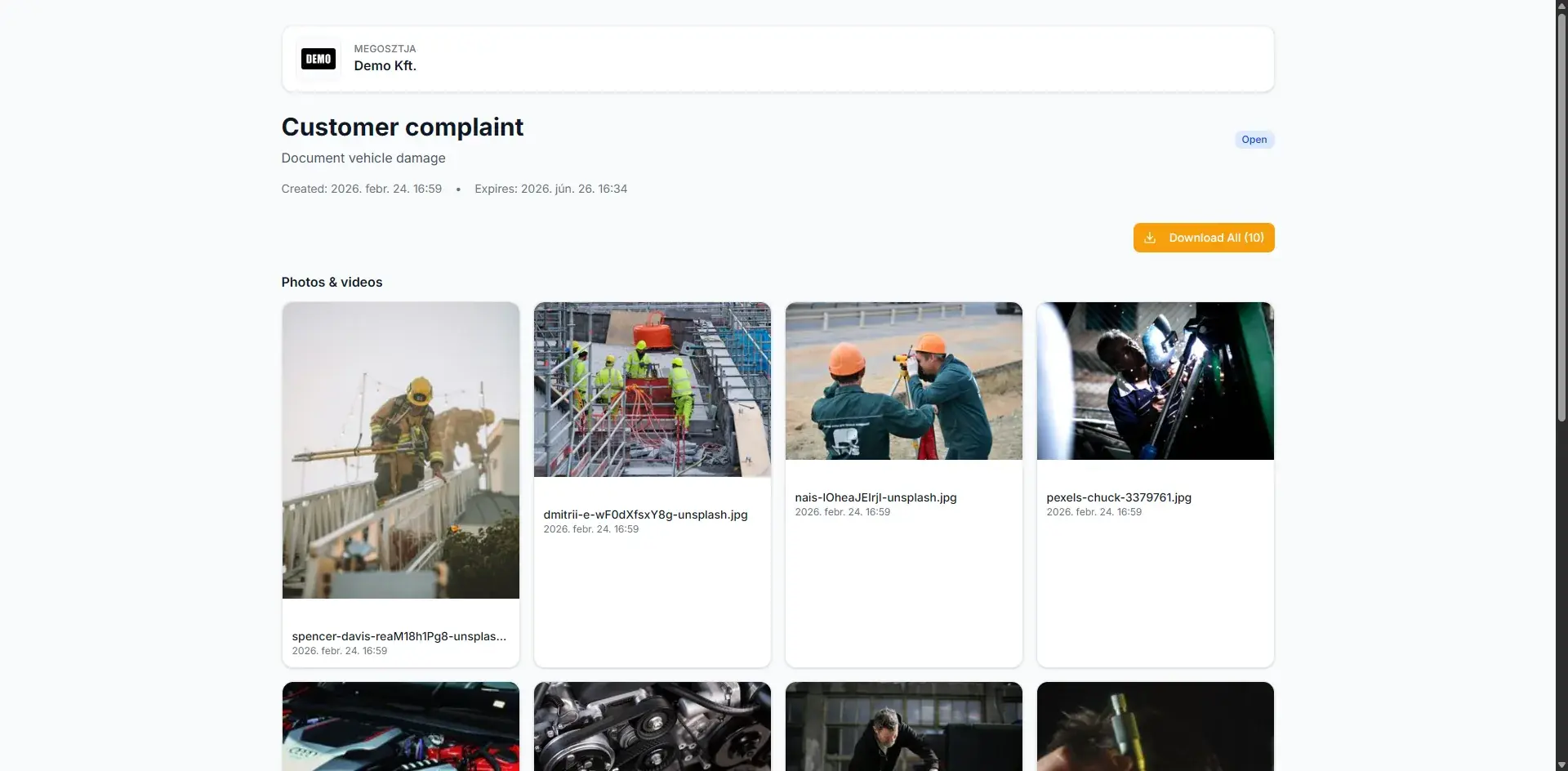
The picture, the clip, and the report belong to the same case.
Required angles and the defect photo stay attached to the inspection.

What quality control actually needs

An auditor, a customer, or a supplier does not want a photo album on the side. The decision needs the picture, the video, and the report together.

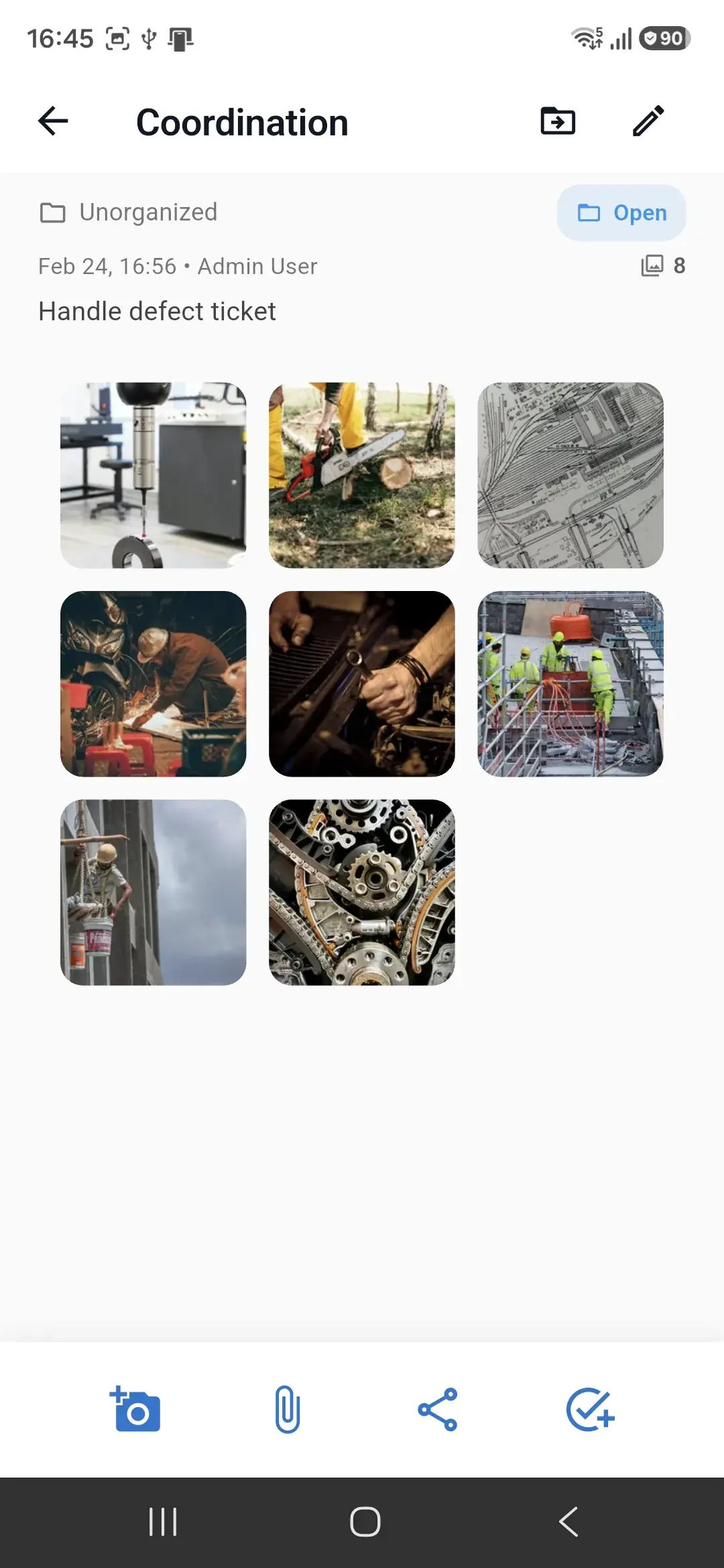
One inspection case

Ready to close with proof

Photos

Required angles and the defect photo stay attached to the inspection.

  • A photo template for the required views, so a shot is not missing at the end.
  • The photo after the fix lands in the same case and can be compared with the earlier one.
  • HD capture when the detail decides whether it conforms.

Videos

What a still image cannot show, you record on site.

  • A function test, an assembly step, or the defect while it moves.
  • The video stays on the case, not in the phone gallery.
  • A longer clip is available when a whole process has to be shown.

Reports

The checklist is filled in the same case as the media, and it comes out as a signed PDF.

  • A reusable form: pass, fail, and a note.
  • The signed PDF stays next to the photos and videos.
  • Share it with the customer or the supplier, who can accept or send it back.

The picture, the clip, and the report belong to the same case.

Where the proof falls apart

The report exists. The picture is somewhere else. Audits and complaints burn hours on that.

Photos land in chat. The report is written in Word or on paper.

Nobody can tell which picture belongs to which item, batch, or machine.

The customer gets only the PDF. The video and the defect photo have to be sent afterwards.

One inspection, through to close-out

With the TaskShot features teams already have — without a separate quality system.

  1. 1

    Open a case for the item, batch, machine, or order.

  2. 2

    Photograph the required views and the defect. Record video when function or process is the point.

  3. 3

    Fill in the report form in the same place: result, note, signature, PDF.

  4. 4

    If it failed, open a task for the fix. The closing photo goes into the same case.

  5. 5

    Share the case. The other side sees the media and the report, and can respond.

Three quality workflows

Start with one. The others sit on the same structure.

Incoming goods

Accept a delivery or a batch: damage and shortage with a photo, and the receiving report as a PDF, in one case.

In-process and final inspection

A checklist, the required photos, and a short function video. A signed report at the end, not a separate spreadsheet.

Complaint and nonconformity

The complaint, the fix, and the closing report in one history. The customer or supplier sees the same share.

What you use from TaskShot for this

Features that already exist, pointed at quality control.

  • Mobile photos and video, attached to the inspection case

  • Photo templates for the required views

  • Before and after photos in the same case

  • Forms and checklists with a signed PDF report

  • Sharing with accept or reject

  • A task for the failed item, with an owner

The next inspection should be one case

Start a trial, or tell us which report should carry the photo and the video too.